Smart Morning Routine: Use One App to Plan Your First Hour
Most mornings go wrong quietly. You wake up with a vague plan, pick up the phone to check one thing, and twenty minutes later you're halfway through someone else's holiday photos while your coffee goes cold. Nothing dramatic happened. The hour simply leaked away.
The fix isn't a stricter personality or a 5am alarm. It's fewer decisions made in a place you'll actually look at. One planning app, opened once, holding everything the first hour needs. That's the whole idea — and it survives a Tuesday far better than a beautifully drawn routine that only works on Sundays.
A task list over here, a calendar over there, a note in a browser tab, a habit tracker with a cheerful circle you keep forgetting to tap. Each is a small door you walk through, and every door costs attention. By the time you've checked four places before breakfast, you've made a dozen tiny decisions and spent the exact energy you needed for the work.
The rule is simple: if a piece of information has to be seen in your first hour, it belongs in the one app you open first. If it doesn't, it waits until later — and it probably didn't need to be seen at all.
Don't go shopping for a new tool at seven in the morning. The best app for this job is almost always the one already sitting on your home screen: Apple Notes and Reminders, Google Tasks and Calendar, Todoist, TickTick, Things, Microsoft To Do. Any of them can hold a first hour. Almost none of them will, unless you decide how it's going to be used.
Four things matter more than the brand:
Then turn the noise down. Notifications off except one gentle reminder, or none at all. An app that pings you during the hour you're trying to protect has misunderstood its job. One small caution: an app is a memory aid, not an authority. For anything with health, medication or money consequences, follow the instructions you were given by the people responsible, and keep a paper backup of the essential details.
The first hour should be assembled when you're not in it. In the evening, when your judgement is decent and your energy is low enough to be honest, spend two minutes on this:
Three items is deliberate. A list of nine is a wish; a list of three is a plan. Naming the first physical action matters more than it sounds, too. The hardest part of any morning is the gap between deciding and moving, and a small, unambiguous instruction closes that gap.
You don't need to follow this to the minute. You need the shape of it. Save it as a note in the same app, copy it into tomorrow's entry, and adjust as you go.
Inbox before body is how mornings get hijacked. A single message can rewrite your priorities before you've had a glass of water, and you'll spend the rest of the hour reacting to someone else's list. Movement first, quiet second, other people's requests third. That sequence alone changes the tone of the day.
Once the template works, stop rebuilding it. Duplicate yesterday's checklist, set the recurring items once, and keep a spare copy of the template in a note you can paste from. If your app supports saved filters or a today widget, use them — one tap to the only view you need.
Two habits keep it clean. First, one list only: everything competing for the first hour lives in "Today", and nothing else does. Second, a two-minute tidy every Friday — delete tasks that have moved three times, and admit which ones you're never going to do.
A plan you have to rebuild every morning is a plan you'll abandon by Thursday.
Boring is the goal. The first hour is a runway, not a performance.
When it slips — and it will, after a bad night's sleep or an early train — keep one piece and drop the rest. The first physical action is the anchor. Do that, and the hour isn't a write-off.
Tonight, open the app you already have and create a single note called "First hour". Put three items in it and one sentence naming the very first action. Tomorrow, follow the template loosely and notice where you reach for another app — that's the spot your single app needs to cover better.
Repeat for three mornings. Then change one thing: the order, the length of the quiet block, the timing of the logistics scan. Small corrections beat a total redesign. Within a week the plan should feel less like a schedule and more like the shape of a decent morning — one you can keep on a Tuesday, and again on a Wednesday.
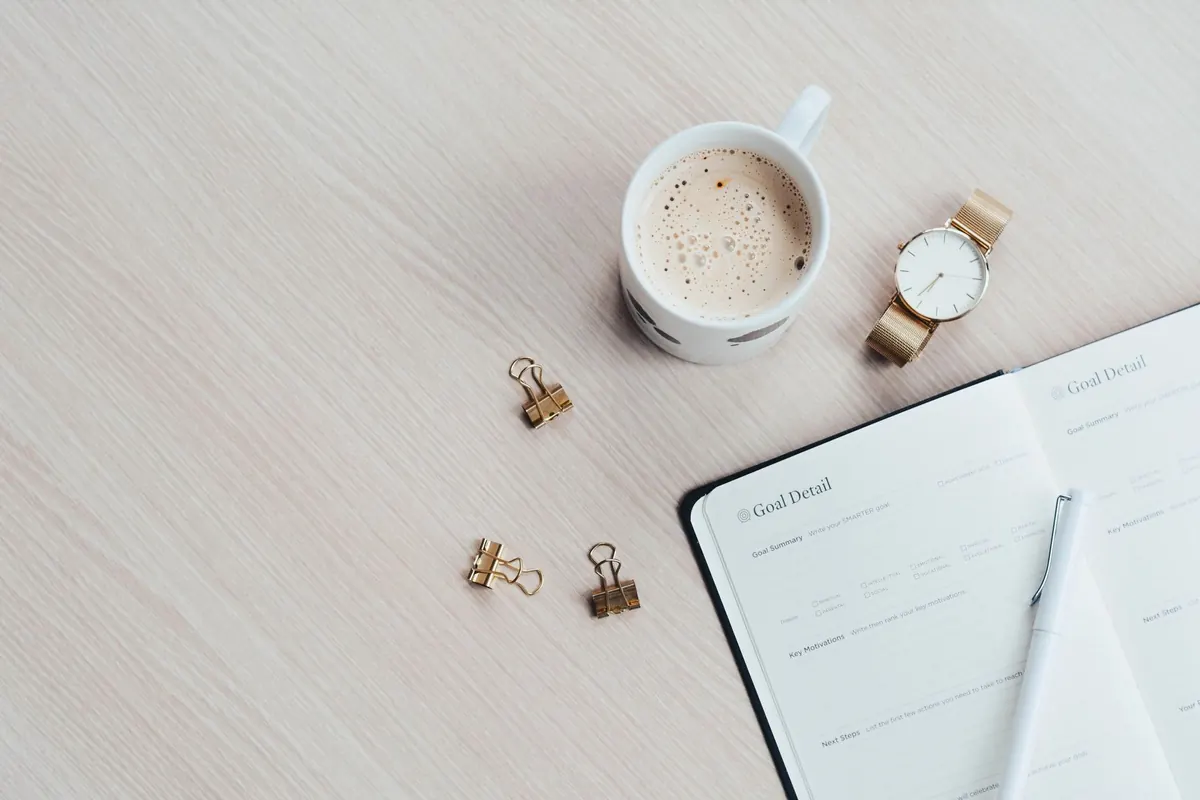
Photo: Content Pixie / Pexels
Previous Post
How to Choose a Paperless Workflow That Sticks
Next Post
What Smart Device Compatibility Means Before You Buy